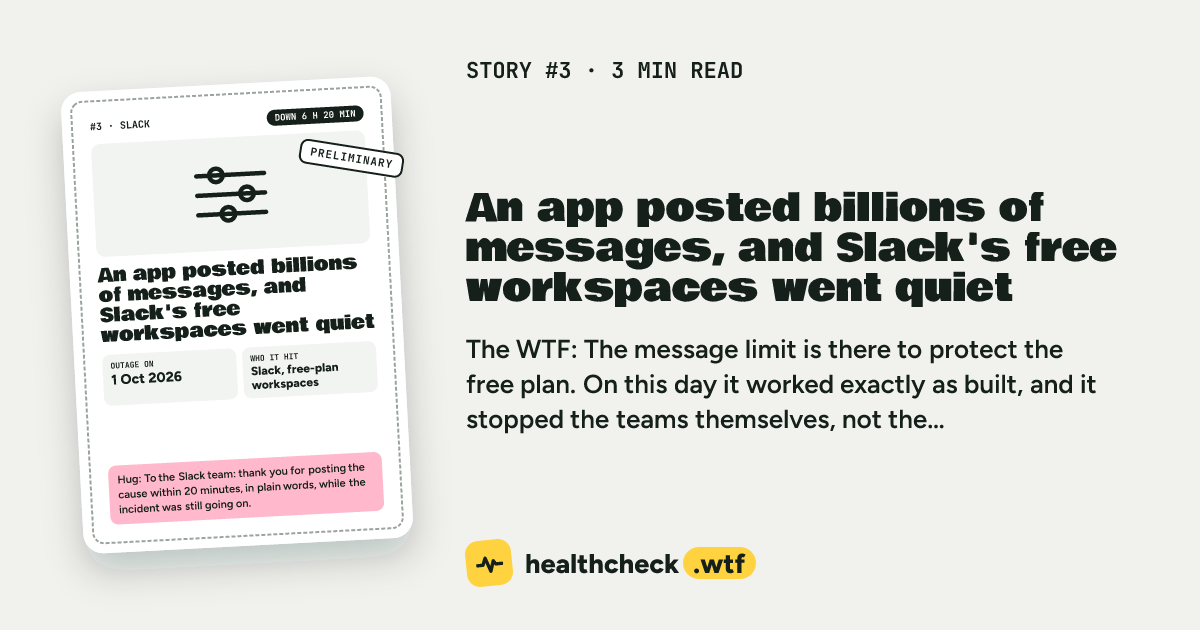
- Who
- Slack, free-plan workspaces
- Outage on
- 1 Oct 2026
- Down for
- 6 h 20 min
- Source
- Slack status page
What happened
12:39 UTC05:39 Pacific
Slack says some free-plan workspaces are blocked from sending messages. The free plan's daily message limit is firing in what Slack calls an unusual spike pattern.
12:56 UTC05:56 Pacific
Slack finds the source: a third-party app stuck in a loop that had sent billions of messages.
13:58 UTC06:58 Pacific
More detail: a feature toggle ramp-up made an app integration post messages again and again in a processing loop. That pushed free-plan workspaces over the message volume threshold, and the sending block switched on.
14:31 UTC07:31 Pacific
Slack has a likely fix.
The question nobody answered: A likely fix was ready at 14:31 UTC, but the rollout started at 18:52 UTC. What happened in those 4 hours 21 minutes? The status page doesn't say.
18:52 UTC11:52 Pacific
The fix starts rolling out.
18:59 UTC11:59 Pacific
The block is lifted for every affected free-plan workspace. Slack says it will do a full investigation into the trigger, the cause and how to prevent it.
The WTF
The message limit is there to protect the free plan. On this day it worked exactly as built, and it stopped the teams themselves, not the app. For about six hours they couldn't talk in their own workspace.
- Config change
- Third-party loop
- Limit hit
The lesson
Slack has not published its full report yet, so we only know what the status page says. Still, two things are worth checking in our own systems.
First, what happens when one integration sends far more than normal? A loop in a webhook or bot can look like real use. Second, who does your limit block? A limit per workspace stops everyone in that workspace, even the people who did nothing unusual.
If you have a limit, check who it stops when the extra traffic comes from someone else.
Check this in your system
#HugOps
To the Slack team: thank you for posting the cause within 20 minutes, in plain words, while the incident was still going on.